| News Feed |
 | Jobs Feed |
Sections
|
| feed this: |  |
Lorna Mitchell: Installing XHGui
by Chris Cornutt March 07, 2013 @ 12:15:01
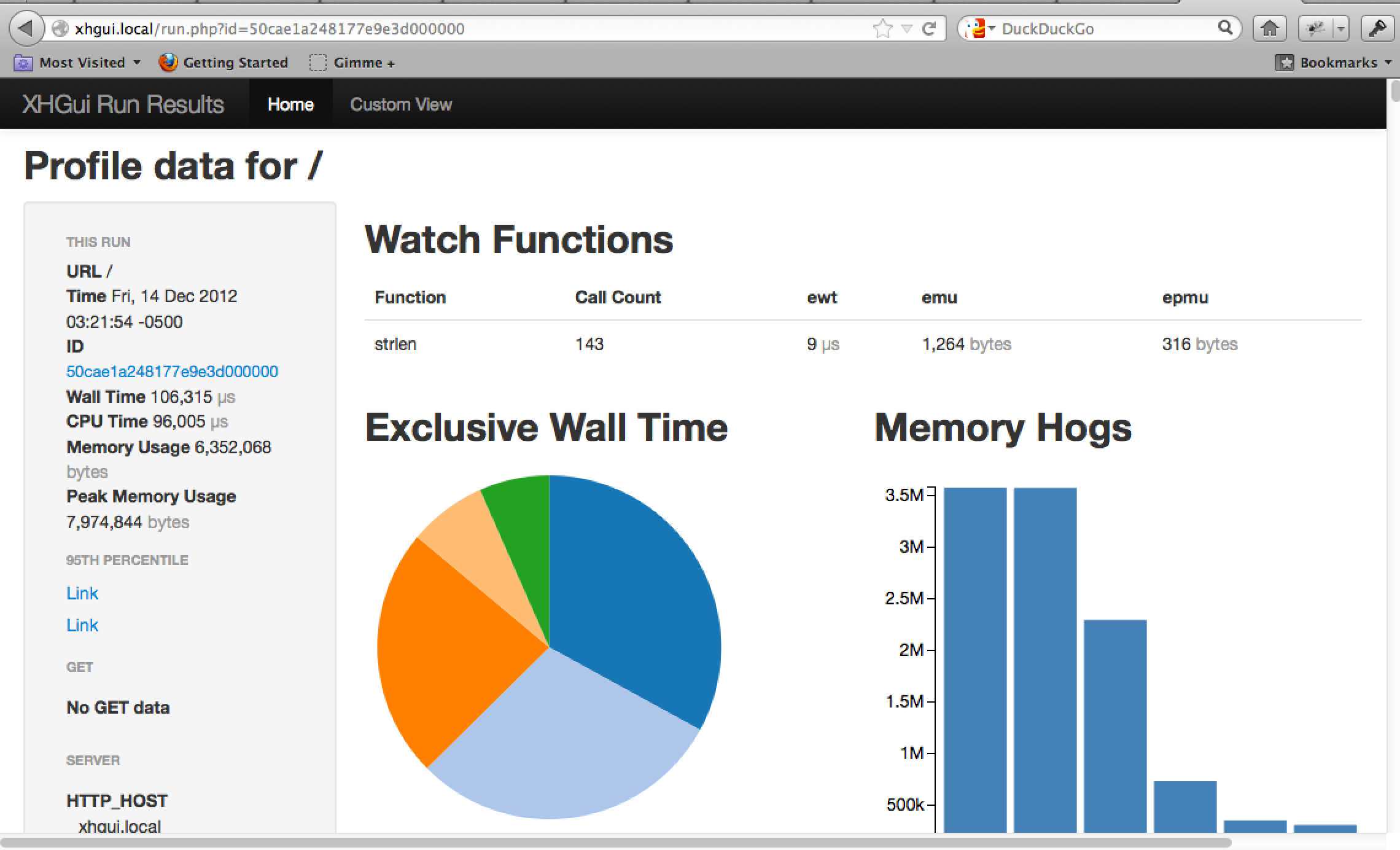
Lorna Mitchell has a new post today showing you how to install XHGui to help with profiling your application for performance and processing issues.
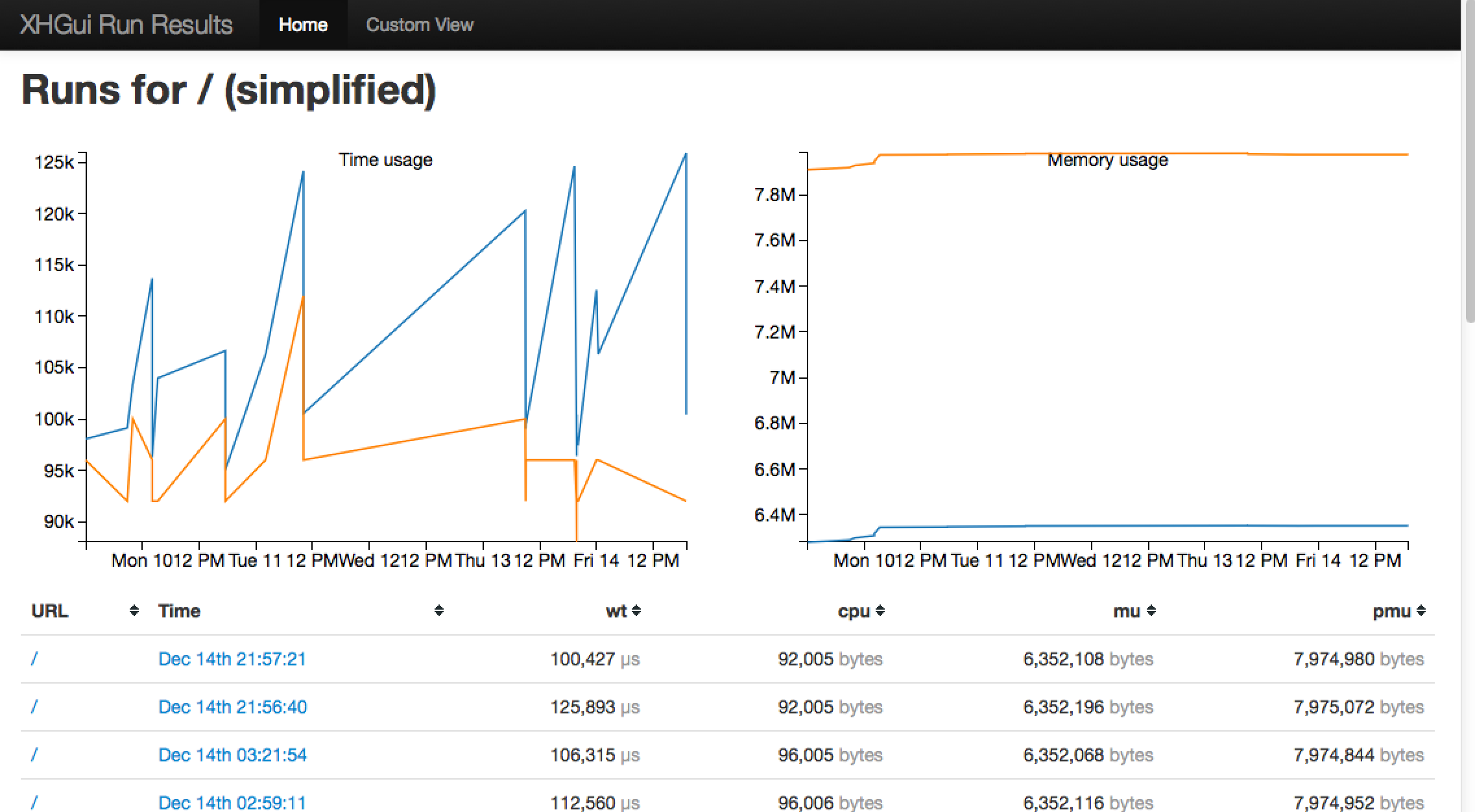
If you're not familiar with XHGui it's a fabulously easy and friendly way to profile your application; to understand which method calls in a page take the time and how many times they are made, so you can improve the performance of your application. All these instructions are for my 32-bit Ubuntu 12.10 system, hopefully they will work for you or you'll be able to adapt them as appropriate.
She lists the dependencies you'll need to have installed before you can get XHGui working correctly including a MongoDB instance and the PECL xhprof extension. With those all set to go, you can go grab the latest XHGui from github and drop it into place.
voice your opinion now!
xhgui xhprof profile application installation pecl mongodb
David Parra: Probing PHP with Systemtap on Linux
by Chris Cornutt December 05, 2012 @ 10:41:30
David Parra has a new post to his site today about a method of using Systemtap to profile PHP as the code executes (as an alternative when DTrace may not be available.
PHP introduced DTrace support with PHP 5.3, enabling probing points in the PHP executable that can be used to simplify probing of PHP applications without having to the PHP implementation details. We enabled probes on function calls, file compilation, exceptions and errors. But this has always been limited to the operating systems that support DTrace. With the popularity of DTrace, Systemap programmers decided to add a DTrace compatibility layer that allows to use DTrace probes as Systemtap probing points as well.
Thanks to a recent commit to the PHP 5.5 branch, your PHP installation (compiled with DTrace support) can be executed with the "stap" command and searched for probe points. He includes a simple Systemtap script that counts the calls of a specific function to get you started.
voice your opinion now!
probe profile systemtap dtrace compile tutorial
PHPMaster.com: Debugging and Profiling PHP with Xdebug
by Chris Cornutt November 23, 2012 @ 12:58:31
On PHPMaster.com today there's a new tutorial showing you how to effectively debug your applications with Xdebug, a handy tool that provides more detail around your errors just by installing it.
Xdebug is a free and open source project by Derick Rethans and is probably one of the most useful PHP extensions. It provides more than just basic debugging support, but also stack traces, profiling, code coverage, and so on. In this article you'll see how to install and configure Xdebug, how to debug your PHP application from Netbeans, and how to read a profiling report in KCachegrind.
He walks you through the installation process (installing it from a package, not compiling) and how to enable it in your "php.ini" configuration file. He also shows how to hook it into the debugger on your IDE (in this case Netbeans) to receive debug messages and be able to step through the code to easily locate the issues. Also included is some basic information about profiling your application and viewing the resulting data in something like Kcachegrind or Webgrind
voice your opinion now!
debug profile xdebug tool tutorial install configure
PHPMaster.com: The Need for Speed Profiling with XHProf and XHGui
by Chris Cornutt September 03, 2012 @ 10:29:13
On PHPMaster.com today Matt Turland has an article posted about using XHProf and XHGui to find the performance issues in your application and profile them to help optimize things.
Profiling is the process of measuring the execution time of each function or method call involved in servicing a single page request. The data collected from this process can reveal issues such as a particular method taking a long time to execute or being called a large number of times. Profiling a PHP script generally requires installing a PHP extension. The two more popular extensions for this purpose are Derick Rethans' Xdebug and Facebook's XHProf. This article will focus on XHProf.
He walks you through the installation of both and shows you some sample results of the profiling of a simple application and how you can compare the results across profiling runs. Additionally, if you install graphviz support, you can generate the call stack output in a visual form to make for easier consumption.
voice your opinion now!
xhprof profile optimize xhgui tutorial install
NetTuts.com: Build Web Apps from Scratch with Laravel - The Eloquent ORM
by Chris Cornutt June 28, 2012 @ 12:27:14
In the second part of their series looking at the Laravel PHP framework and creating your first application with it. In part one you got a brief introduction to creating and configuring an application. In part two they dig a little deeper and talk about Laravel's ORM functionality.
In this Nettuts+ mini-series, we'll build a web application from scratch, while diving into a great new PHP framework that's rapidly picking up steam, called Laravel. In this lesson, we'll be working on an integral part of any web application: the Models. Along the way, we'll learn about Laravel's amazing ORM implementation: Eloquent.
The tutorial introduces you to the concept of "Models" and some of the conventions that surround them in the Laravel framework. They show some of the most common operations (CRUD) and how to define relationships between the models (has many, has one, etc). They apply this to their "Instapics" example application, creating the interfaces for the users, profiles, relationships, photos and comments. They include the code to create the controllers/views to go along with them, making a simple interface to show users and their photos.
You can find out more about the Eloquent ORM in this section of the Laravel manual.
voice your opinion now!
laravel tutorial eloquent orm instapics user profile photo model
NetTuts.com: Advanced CodeIgniter Profiling With XHProf
by Chris Cornutt April 18, 2012 @ 13:12:18
On the NetTuts.com site today there's a new tutorial showing how to use XHProf to profile CodeIgniter-based applications and fidn the spots that are causing the most overhead/issues.
XHProf will provide you with a hierarchical profile of the functions your application calls, allowing you to follow the chain of events that lead up to resource intensive code running. You'll be able to see exactly how much wall time (the actual time elapsed), CPU time and memory your application uses. This tutorial will help you get XHProf installed on your server, and integrated with your CodeIgniter application via hooks so that you can start profiling your application, in a production environment, straight away. Everything you see here was written for Ubuntu 10.04 - the latest LTS release at the time of writing.
They walk you through the installation of the tool (via a wget of the source), show you how to integrate it with CodeIgniter via hooks and include a simple class that is called to execute and report on the findings. Some sample output is included as well as some general tips on interpreting the results.
voice your opinion now!
codeigniter profile xhprof framework
Kurt Payne's Blog: User register_tick_function to profile your code
by Chris Cornutt February 07, 2012 @ 13:26:23
Kurt Payne has a new post to his blog showing how to use register_tick_function with a callback to help benchmark and profile your application to find its pain spots.
A profiler gives you the ability to trace the performance of your code through every function call and create an overview of your system's performance over a certain time period and helps you make intelligent decisions about where to look for problems. [...] But what if you're in an environment where you can't install [the xdebug or xhprof] extension? Luckily, php has a built-in function called register_tick_function that gives you a way to hook in to every user function that's called. With this, you can write a profiler yourself.
A bit of sample code illustrates his method - it defines a "do_profile" function and assigns it with the register_tick_function call. This function generates a debug backtrace and echos out the function path it took to get to that spot (output is included). He provides code for a bit more useful profiling and points out that it could easily be graphed to help visualize the problems. Also included are a few caveats to watch out for when using this method of profiling.
voice your opinion now!
registertickfunction profile graph performance xdebug xhprof
|
Community Events
Don't see your event here? Let us know!
|